
WhatsApp Business PlatformMeta-verified business
We do your whole WhatsApp setup. You watch the results.
WhatsApp business messaging in Qatar has never been easier. Give us one phone number, the message you want sent and your list. Red Rock handles the Meta setup, the verification, the templates and the sending, and you follow every result on a live dashboard.
- Qatar-based
- Complete setup
- Live dashboard
- Campaign management
- Automation
- Analytics
- Arabic & English
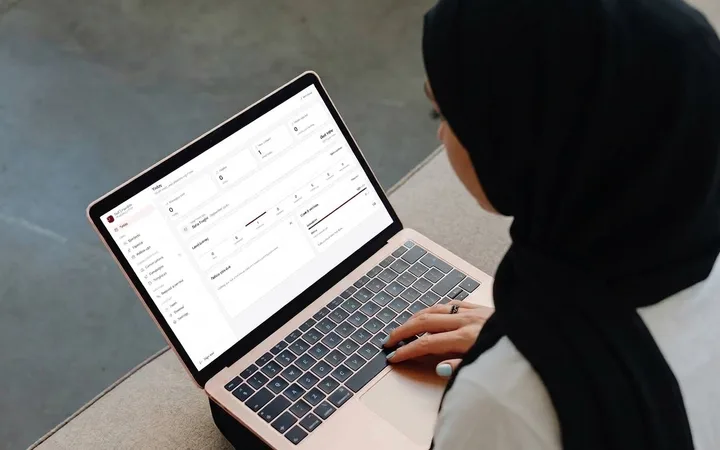
All we need from you is three things
A phone number
One line. If you do not have one, we arrange it.
Your message
What you want to say. We turn it into an approved template.
Your data
A spreadsheet of contacts is enough. We clean and check it.
We do the rest.
WhatsApp CRM and business messaging in Qatar, run for you
From the first setup to the campaign going out, this is what Red Rock does and where you come in.
- 01
You give us three things
One phone number, the message you want sent, and your list. That is the whole of what we need from you.
- 02
We do the Meta setup
Business account, number connection, business verification and message templates submitted for approval. You do not deal with any of it.
- 03
We prepare your list
Your data is cleaned, numbers checked and organised, ready to send. Send us a spreadsheet and that is enough.
- 04
We send it
Campaigns go out on a schedule that respects working hours, paced so the number keeps its standing with Meta.
- 05
You watch the results
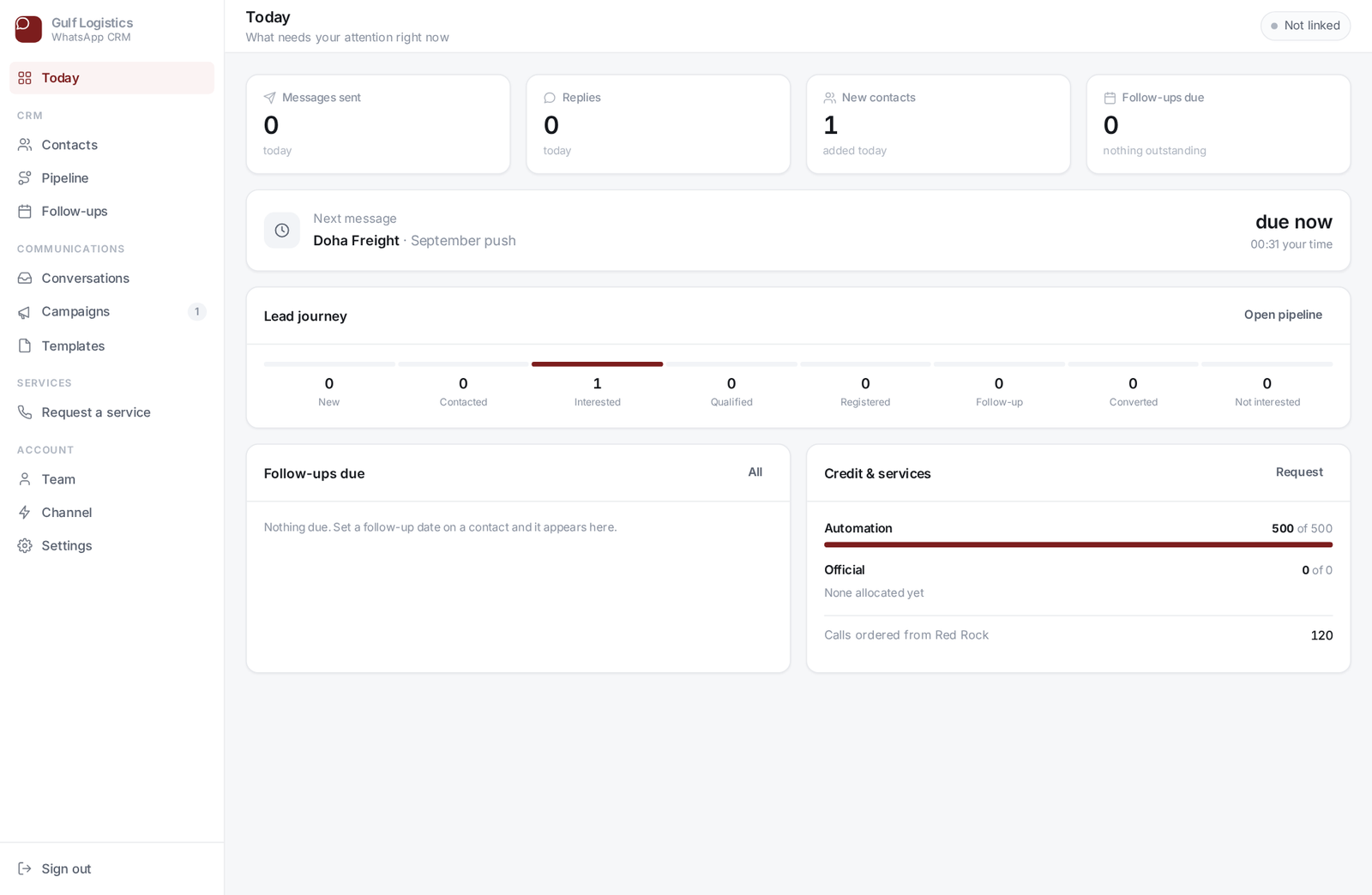
A live dashboard showing what was sent, what was delivered, what was read, what failed and who replied. Reading, not operating.
- 06
We keep it running
Delivery and number quality watched after launch, with somebody to call when something needs changing.
Live dashboard
Everything your WhatsApp operation needs, in one live dashboard.
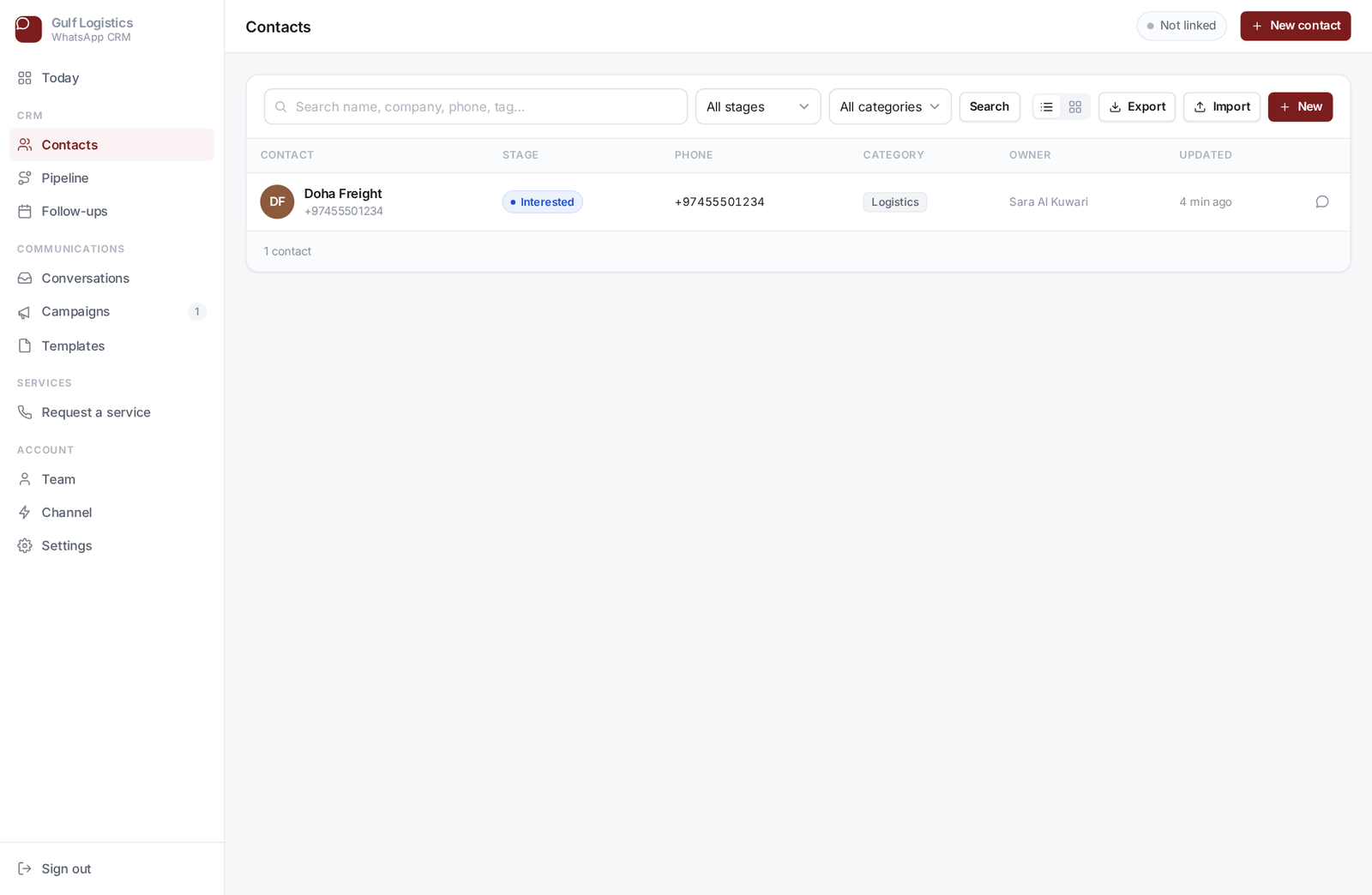
Know what was sent, who received it, who responded and what happens next. It is there to be read, not operated: Red Rock runs the work behind it.
- Messages sent
- Delivered
- Read
- Failed, with the reason
- Replies
- New contacts
- Campaign performance
- Customer history
What the setup involves
All of this is Red Rock's work, not yours. It is here so you can see what is being done on your behalf.
- 01
Business setup
We start from what you already have: your trade licence details, your number, and how your team is organised.
- 02
Meta Business configuration
Your Meta Business account is configured properly the first time, so verification is not held up by something avoidable.
- 03
WhatsApp number setup
A number is connected to the platform, whether that is a new line or one you already use.
- 04
Business verification
We prepare and submit what Meta asks for, and deal with it if they come back with questions.
- 05
Template configuration
Your message templates are written and submitted for approval, in Arabic, English or both.
- 06
CRM configuration
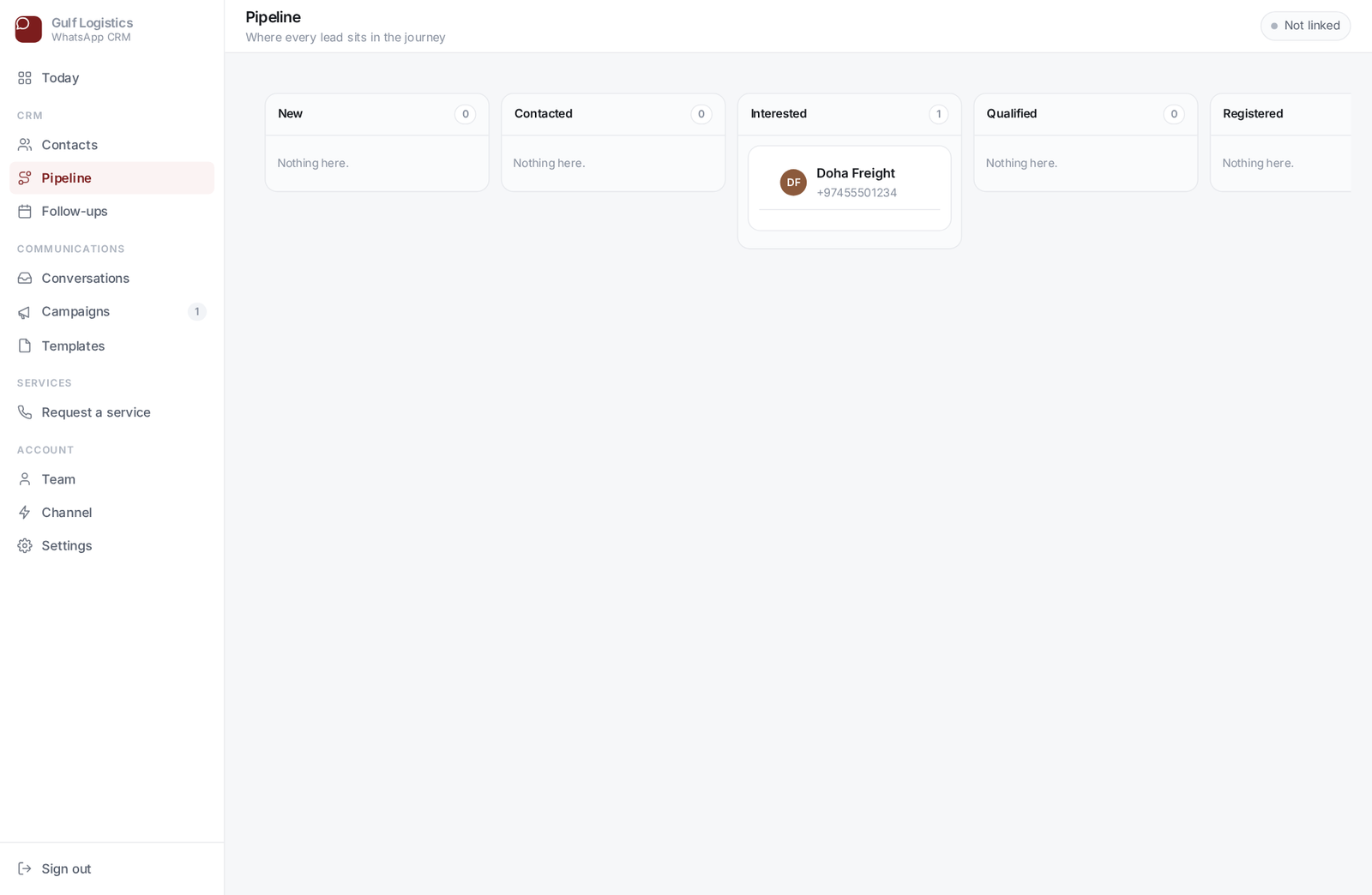
Contacts imported, pipeline stages set to match how you actually sell, folders and tags arranged around your business.
- 07
Team setup
Your people are added with the access each of them needs, and no more.
- 08
Campaign setup
Your first campaign is built with you, scheduled and checked before anything reaches a customer.
- 09
Launch
It goes live, and somebody from Red Rock is watching it with you while it does.
- 10
Monitoring and support
Delivery and quality are watched after launch, and you have somebody to call when something needs changing.
Built around how your trade works
A clinic and an estate agency do not message the same way. Each of these is set up around the path a customer actually takes.
Questions
- What does Red Rock actually do for me?
- All of it. You give us one phone number, the message you want sent and your list. We handle the Meta Business setup, the business verification, the message templates, preparing your data and sending the campaign. You get a live dashboard to watch the results.
- How is this different from the WhatsApp Business app?
- The app is built for one person on one phone. The Business Platform is built for a company: several people answering one number without colliding, campaigns to a list rather than one chat at a time, approved templates, and reporting on what actually happened.
- Do I have to learn a system?
- No. The dashboard is for reading results, not for running the operation. If you can read a delivery report you can use it, and Red Rock does the work behind it either way.
- What do I need to get started?
- A phone number, the message you want to send, and your list of contacts. Nothing else. If you do not have a number yet we arrange one.
- Does it work in Arabic?
- Yes. Templates, campaigns and conversations work in Arabic and English, and the team supports both.
- What does it cost?
- WhatsApp messaging costs are subject to Meta's applicable pricing and your usage. Contact us for a setup tailored to your business.
- Is Red Rock verified with Meta?
- Yes. Red Rock Home LLC is a Meta-verified business with an approved WhatsApp Business account.
WhatsApp messaging costs are subject to Meta's applicable pricing and your usage. Contact us for a setup tailored to your business.
Send us a number and a message. We will do the rest.
A short demo of the setup and the live dashboard, using your business as the example.